An agent is a manager with one job
In Agency, an AI portfolio manager is called an agent. Each agent has one plan, one slice of your Robinhood Agentic account, and one schedule. You can run several at once, for example one for retirement, one for dividends and one for a theme you believe in, and each keeps to its own money.
1. A plan you confirm
You describe what you want in your own words. The agent turns it into a short plan: a name, the goal, how long, and the risk you’ll take. You can edit it, and nothing happens until you confirm it. The plan is the agent’s job description; it can choose what to buy, but not change what it’s for without asking you.
2. A first look before any money moves
After you confirm, the agent researches the plan with current market data and shows exactly how it would invest it: a split in percentages with the reason for each holding. Nothing is bought. If you don’t like it, ask for a change and get a new first look.
3. A slice it can’t exceed
When you fund the agent, the cash and holdings you give it become its slice. The app checks every order against it: the agent spends only its own cash, with open buys reserving that cash, and sells only what it holds. It never touches money you kept for yourself or another agent’s slice, and it can’t borrow.
4. Reviews on a schedule
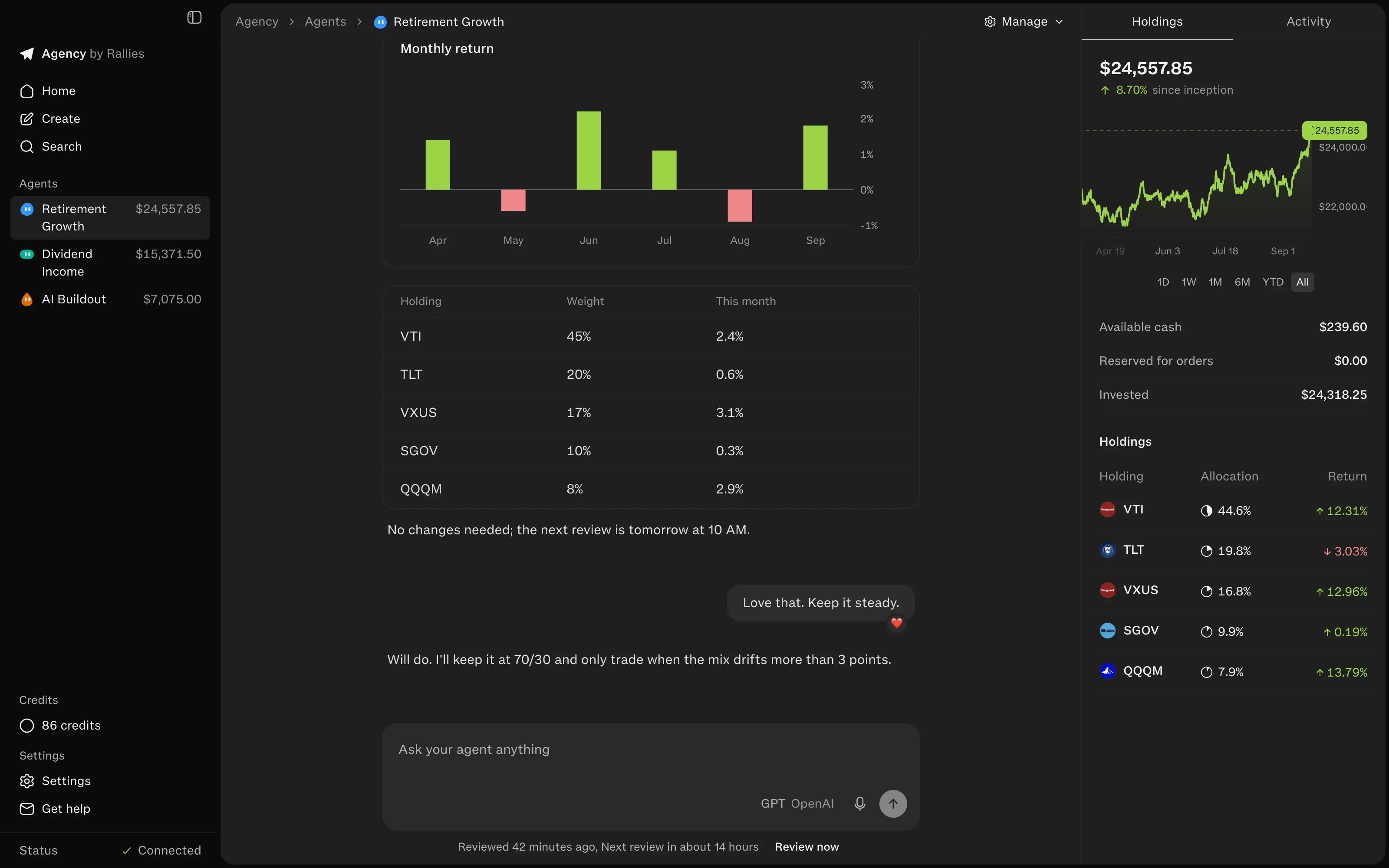
By default an agent reviews at 10 AM Eastern on weekdays, and never more than twice a day. Each review it looks at its holdings, prices and news against the plan, and trades only if something should change. Between reviews it doesn’t watch prices; for a price you care about, it can leave a limit or stop order resting at Robinhood.
5. Notes on what it did and why
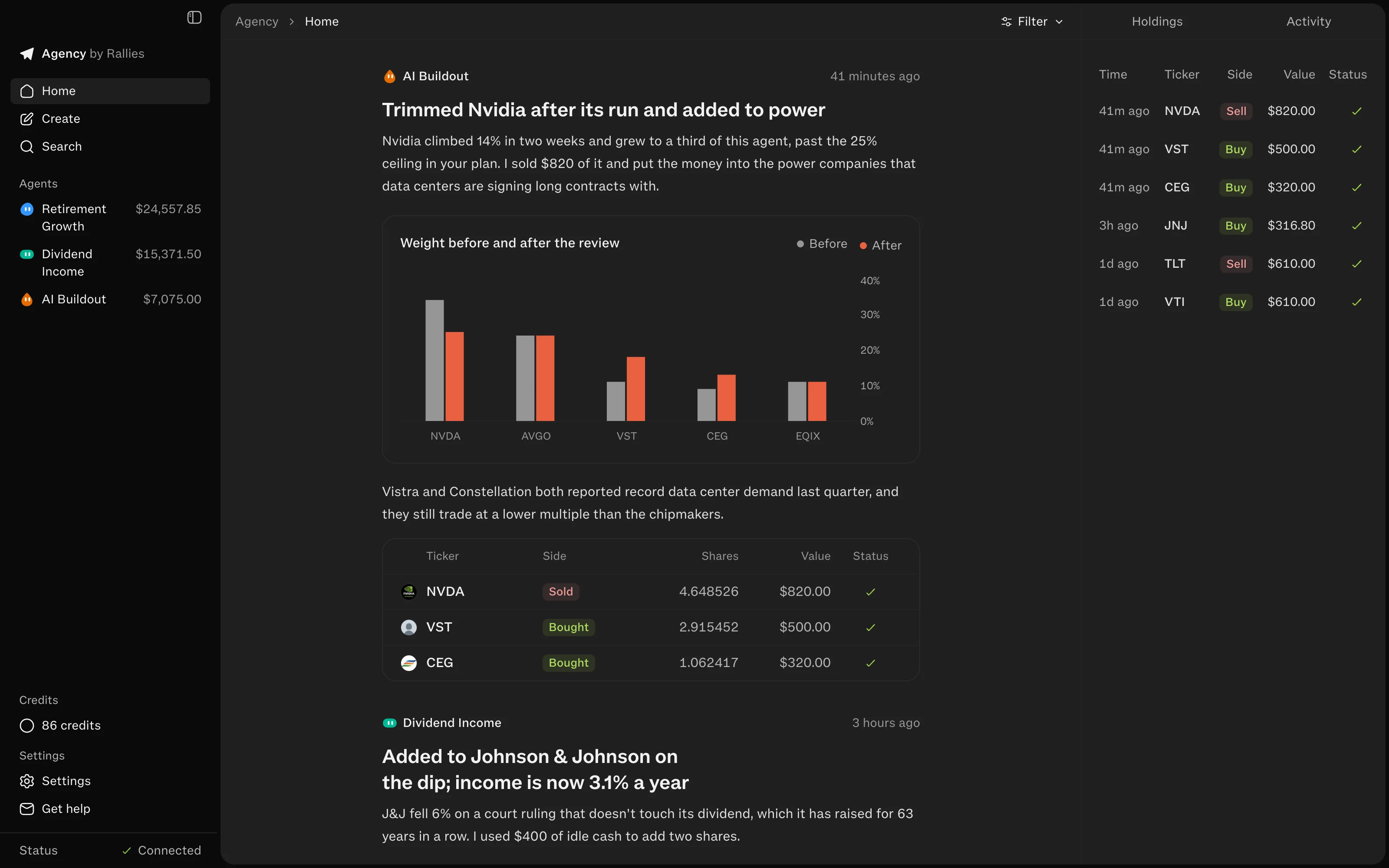
When an agent trades, or something real changes in what it owns, it writes you a note: what it did, the numbers, and why. Every trade shows up as a card with its reason and its fill. A day when nothing needed doing stays quiet instead of filling your feed with recaps.
Where you stay in control
- Talk to any agent in its chat. Trades you ask for there wait for your Confirm.
- Change the plan with Manage, Edit plan, or just tell the agent; the next review follows the new plan.
- Pause one agent or all of them. Paused agents don’t review.
- Liquidate an agent to sell what it holds, or delete it to hand its cash and holdings back to you without selling.
- Standing instructions in Settings apply to every agent, like “never buy tobacco stocks”.
To make the plan do the most work, read how to write a plan your agent can follow.